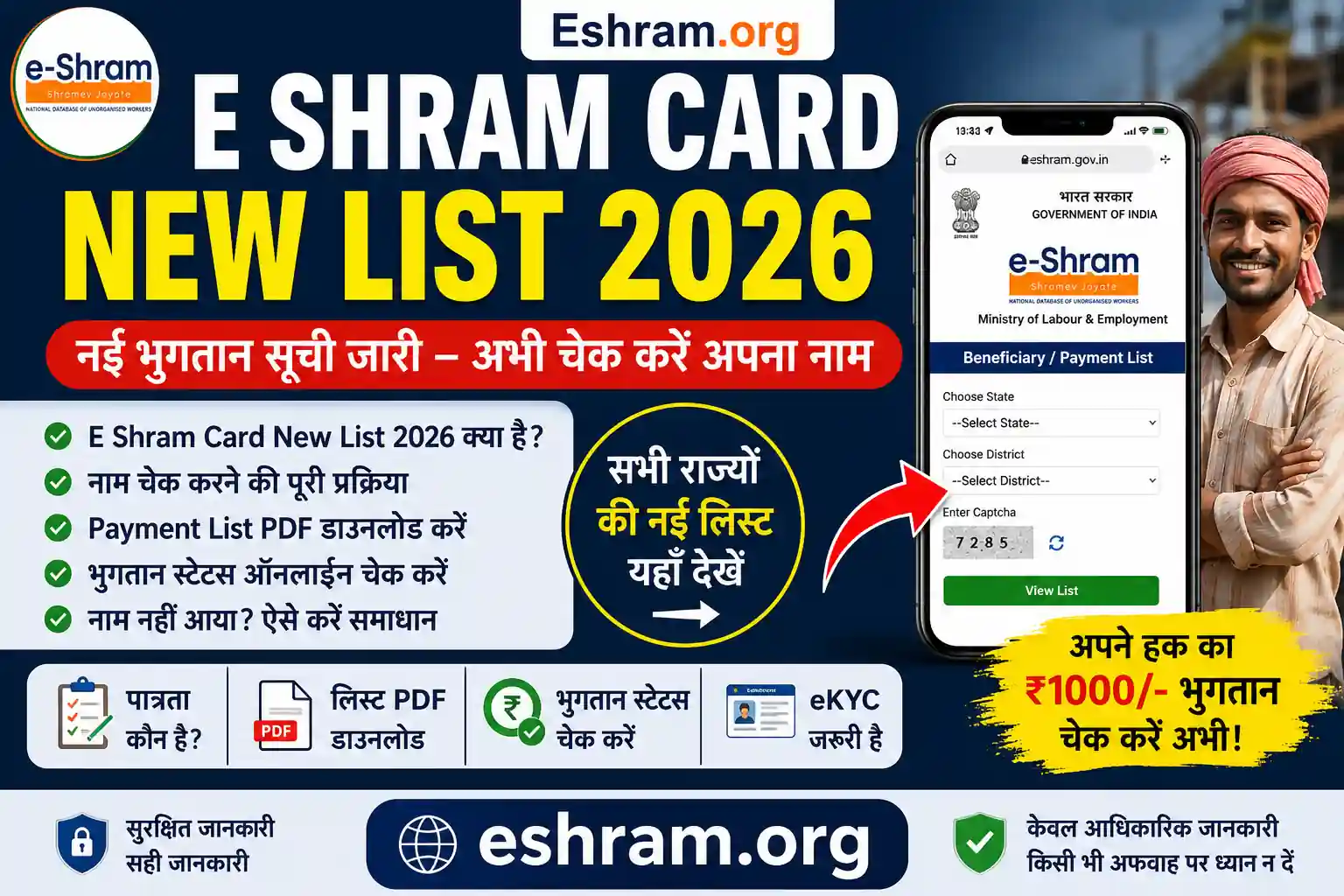
If you already have an E-Shram Card, this E-Shram Login & Update Details guide will help you easily log in and update your personal, bank, or work details online. Keeping your information updated ensures you continue receiving benefits from government schemes.
🔍 What is E-Shram Login?
The login feature on the e-SHRAM Portal allows registered workers to access their profile using their UAN (Universal Account Number) and update any incorrect or outdated information.
This system is managed by the Ministry of Labour and Employment to maintain accurate worker records.

🔑 How to Login on E-Shram Portal
Follow these simple steps for E-Shram Login & Update Details:
1️⃣ Visit the Official Website
Go to the e-SHRAM Portal
2️⃣ Click on “Already Registered? Update”
3️⃣ Enter Your Details
- Aadhaar Number or UAN
- Enter Captcha
4️⃣ OTP Verification
- Enter OTP received on Aadhaar-linked mobile
5️⃣ Access Dashboard
- You will be redirected to your profile dashboard

📝 How to Update Details in E-Shram Card
Once logged in, you can update the following details:
✔️ Personal Details
- Name correction
- Date of birth
- Address
✔️ Bank Details
- Account number
- IFSC Code
✔️ Occupation Details
- Job type
- Skills
- Work category
✔️ Contact Details
- Mobile number update
After making changes, click on Submit and save your updated profile.

🎯 Why Updating Details is Important?
- Ensures eligibility for latest government schemes
- Helps in receiving financial benefits without delay
- Avoids rejection due to incorrect information
- Keeps your worker profile active and verified
⚠️ Important Tips
- Always use Aadhaar-linked mobile number
- Double-check bank details before submitting
- Update details regularly if your job or address changes
❓ FAQs – E-Shram Login & Update Details
👉 Yes, you can update your details anytime after login.
👉 Yes, OTP verification is mandatory.
👉 You need to link it first, otherwise login won’t work.
👉 Yes, it is completely free.
👉 Yes, the portal works on both mobile and desktop.
📖 Read Also
👉 Read also: E-Shram Card eKYC Online Process
👉 Read also: E-Shram Card Yojana Benefits & Details
👉 Read also: E-Shram Card Download Step-by-Step Guide
👉 Read also: E-Shram Login & Update Details Guide
👉 Read also: E-Shram Official Portal & Full Information