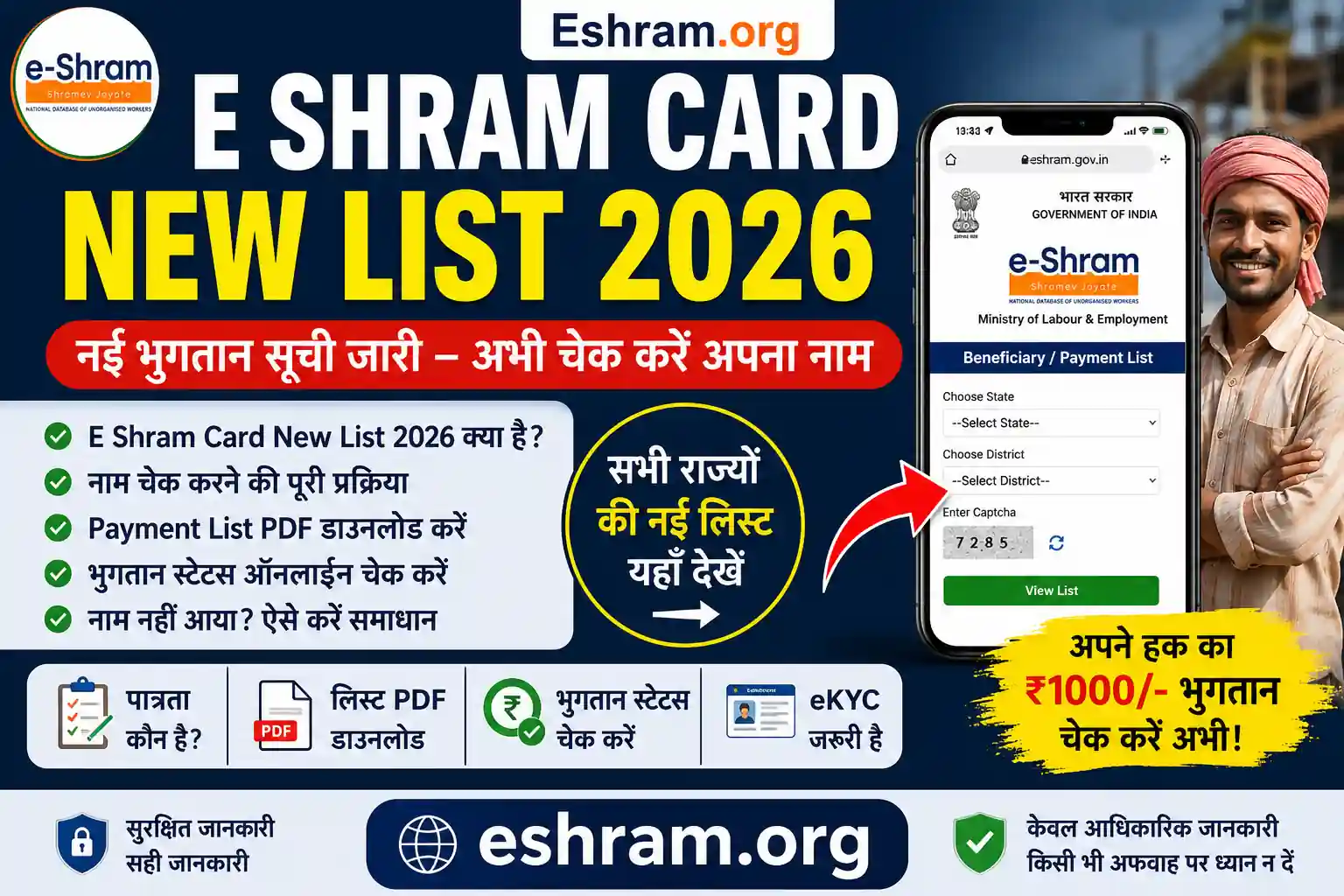
If you have already registered, this Eshram Card Download Step-by-Step guide will help you download your card easily using your mobile or computer. The process is simple and takes just a few minutes.
🔍 What is Eshram Card Download?
After successful registration on the e-SHRAM Portal, workers receive a UAN (Universal Account Number). Using this UAN, you can log in anytime and download your Eshram Card in PDF format.
The system is managed by the Ministry of Labour and Employment to ensure easy access for all registered workers.

📋 Requirements Before Download
Before starting the Eshram Card Download Step-by-Step process, make sure you have:
- Aadhaar-linked mobile number
- UAN Number (or Aadhaar Number)
- Internet connection
- Smartphone or computer
📝 Eshram Card Download Step-by-Step Process
Follow these steps carefully:
1️⃣ Visit the Official Portal
Go to the e-SHRAM Portal
2️⃣ Click on “Already Registered? Update”
3️⃣ Enter Your Details
- Aadhaar Number or UAN
- Enter captcha code
4️⃣ Verify with OTP
- Enter OTP received on your registered mobile
5️⃣ Access Dashboard
- Your profile will open
6️⃣ Download Your Card
- Click on “Download UAN Card”
- Save the PDF file
📱 How to Download Eshram Card on Mobile
You can easily download your card using your phone:
- Open browser (Chrome, etc.)
- Visit the portal
- Follow the same login steps
- Tap on download and save PDF
🖨️ How to Print Eshram Card
After downloading:
- Open the PDF file
- Click on print option
- Use a printer or visit a nearby shop

🎯 Benefits of Downloading Your Card
- Proof of registration as a worker
- Required for government schemes
- Easy to carry (digital or printed)
- Quick access to UAN details
⚠️ Common Issues & Solutions
❌ OTP Not Received
👉 Check mobile network or try again later
❌ Wrong Details Error
👉 Re-enter Aadhaar/UAN carefully
❌ Unable to Download
👉 Clear browser cache or try another browser
❓ FAQs – Eshram Card Download
👉 Yes, you can use your Aadhaar number.
👉 Yes, it is completely free.
👉 Yes, there is no limit.
👉 Not mandatory, but useful.
👉 Yes, mobile download is supported.
📖 Read Also
👉 Read also: E-Shram Card eKYC Online Process
👉 Read also: E-Shram Card Yojana Benefits & Details
👉 Read also: E-Shram Card Download Step-by-Step Guide
👉 Read also: E-Shram Login & Update Details Guide
👉 Read also: E-Shram Official Portal & Full Information